OpenMark - An open source/Free Markdown Chrome extension
A free, open-source Chrome extension that renders Markdown directly in your browser. Mermaid diagrams, LaTeX math, AI chat, local file explorer — no uploads, no tracking.
Open a .md file in your browser and you get a wall of raw text.
Every developer has hit this. You either open VS Code, push it to GitHub, or find an online previewer. None of those options are “just open and read.”
OpenMark fixes that. Free, open-source, works immediately after install.
What it does
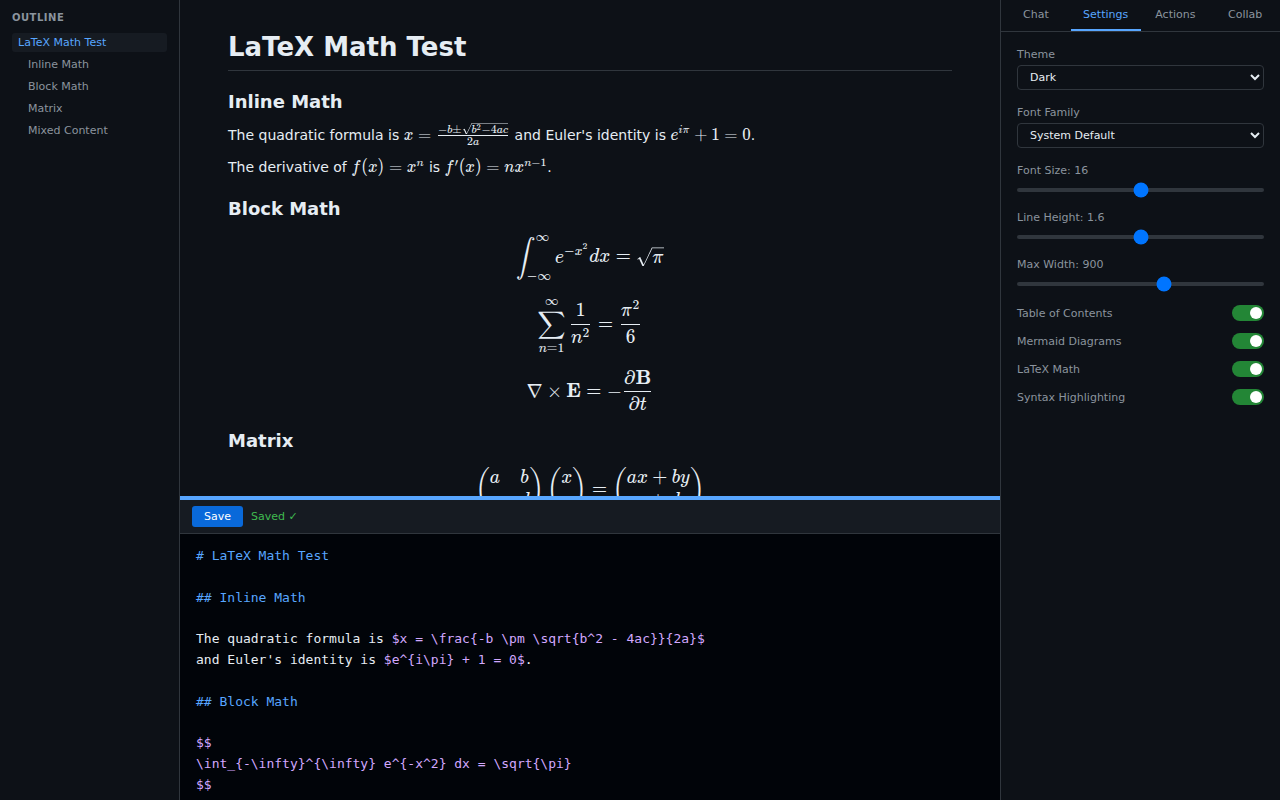
Once installed, any .md file you open in Chrome or Edge automatically renders as a formatted document. Local files, remote URLs — both work.
Reading experience
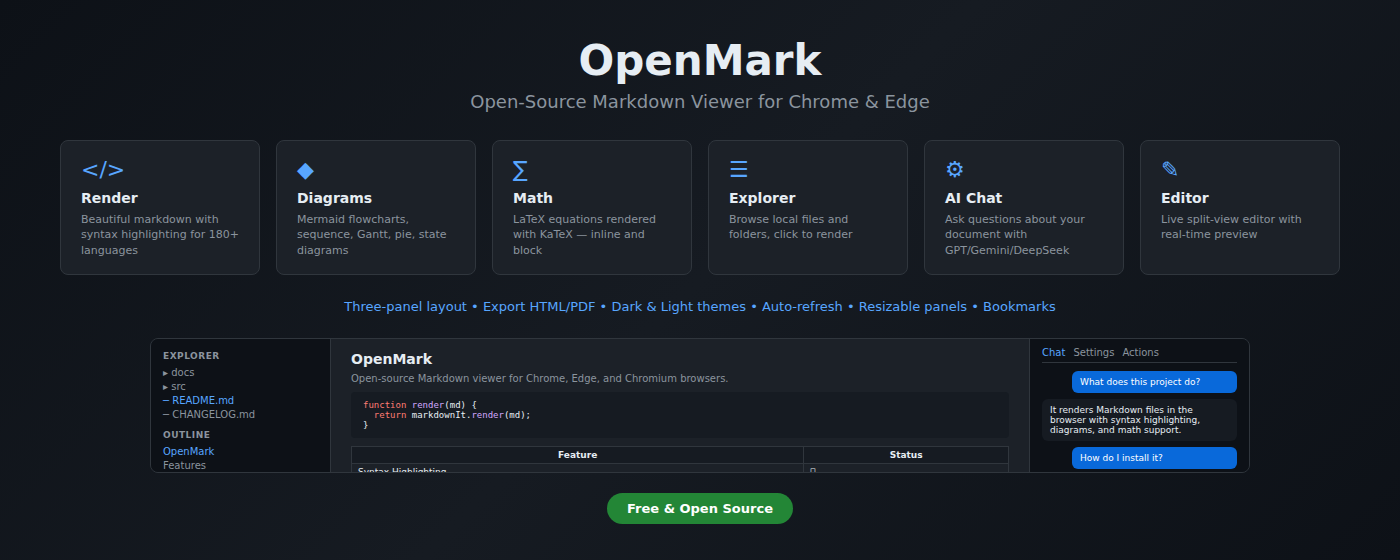
- Syntax highlighting: 180+ languages
- Mermaid diagrams: flowcharts, sequence diagrams, Gantt charts
- LaTeX math: inline and block equations via KaTeX
- Auto-generated table of contents with scroll tracking
- Light / dark / system-follow themes
- Image lightbox on click
Local file workflow
- File explorer: browse directory trees, click to switch documents without page reload
- Live editor: split-pane preview,
Ctrl+Ssaves back to disk - Auto-refresh: reloads when the file changes on disk
Export
- Download as standalone HTML
- Print to PDF
- Copy HTML to clipboard
AI chat
Ask questions about the current document. Add an API key (OpenAI / Gemini / DeepSeek) and ask things like “summarize the key points” or “list all TODO items.”
Privacy
Everything renders locally. No uploads, no account, no tracking.
How it compares
Typora is a great Markdown editor, but it’s a $15 desktop app — and it’s not open-source. Its use case is writing. OpenMark’s use case is reading: you already have a .md file open in your browser and don’t want to launch another app to view it.
VS Code is free and powerful, but it’s an IDE. Opening VS Code to preview a README is like opening Photoshop to view a photo. Mermaid support requires an extra plugin, and AI assistance means yet another extension.
Other Markdown extensions on the Chrome Web Store are mostly paywalled — free tiers with features locked behind Pro upgrades. Almost none of them are open-source, which means you can’t audit what they’re doing with your local files. OpenMark is fully open, MIT licensed, code on GitHub.
| OpenMark | Markdown Viewer (paid) | Typora | VS Code | |
|---|---|---|---|---|
| Price | Free | $2–5 | $15 one-time | Free |
| Open source | ✅ MIT | ❌ | ❌ | Partial |
| Renders in browser | ✅ | ✅ | ❌ | ❌ |
| Mermaid diagrams | ✅ | Partial | ✅ | Plugin needed |
| AI chat | ✅ | ❌ | ❌ | Plugin needed |
| Local file explorer | ✅ | ❌ | ✅ | ✅ |
| No desktop install needed | ✅ | ✅ | ❌ | ❌ |
Install
One-click install from the Chrome Web Store:
After installing, go to the extension detail page and enable Allow access to file URLs to render local .md files.
Or build from source:
git clone https://github.com/seraphjiang/openmark.git
cd openmark
npm install && npm run build
Open chrome://extensions/, enable Developer mode → Load unpacked → select the dist/ folder.
Source: github.com/seraphjiang/openmark — MIT license. Stars and issues welcome.